

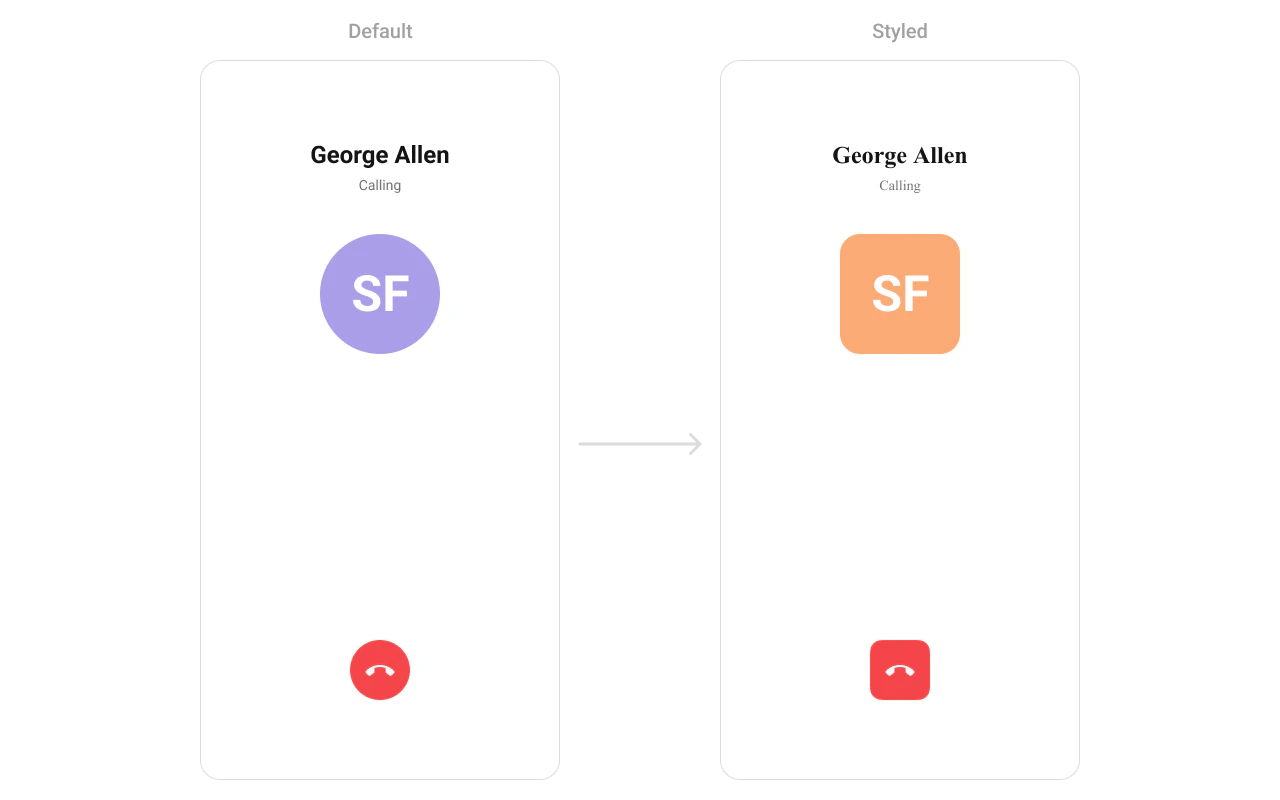
CometChatOutgoingCall renders the outgoing call screen and transitions to the ongoing call screen when the receiver accepts. It displays the recipient’s avatar, name, call status, and an end-call button.
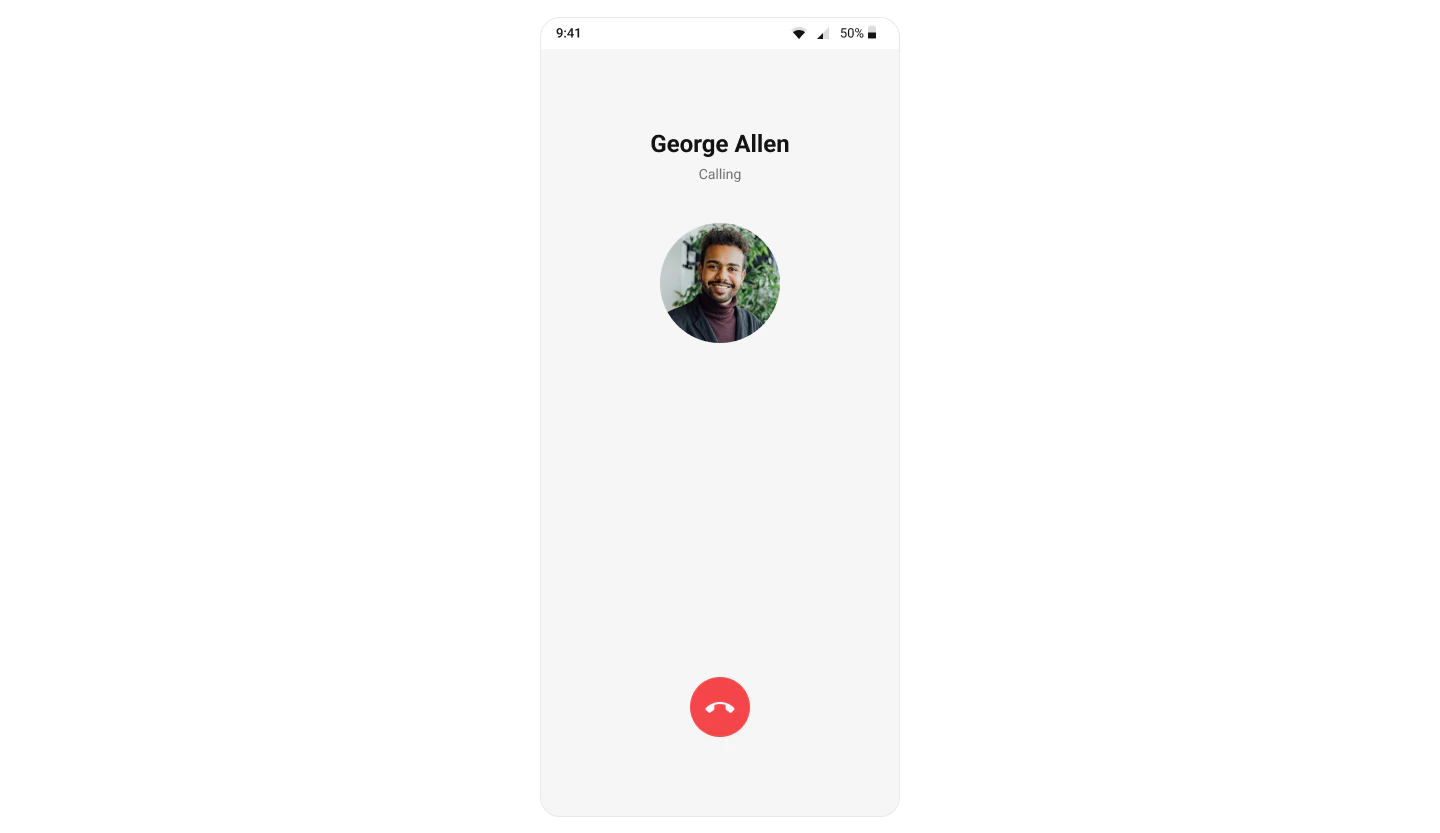
Where It Fits
CometChatOutgoingCall is a call-initiation component. Wire it to CometChatCallEvents to handle call-accepted and call-rejected transitions.
- Kotlin (XML Views)
- Jetpack Compose
activity_call.xml
Quick Start
- Kotlin (XML Views)
- Jetpack Compose
Add to your layout XML:Set the
Call object — this is required:CometChatUIKit.init(), a user logged in, and the UI Kit dependency added.
Actions and Events
Callback Methods
onEndCallClick
Fires when the end-call button is tapped. Default: cancels the outgoing call via the SDK.
- Kotlin (XML Views)
- Jetpack Compose
onError
Fires on internal errors (network failure, auth issue, SDK exception).
- Kotlin (XML Views)
- Jetpack Compose
Global UI Events (CometChatCallEvents)
| Event | Fires when | Payload |
|---|---|---|
ccCallAccepted | Outgoing call accepted by receiver | Call |
ccCallRejected | Outgoing call rejected by receiver | Call |
SDK Events (Real-Time, Automatic)
| SDK Listener | Internal behavior |
|---|---|
onOutgoingCallAccepted | Transitions to the ongoing call screen |
onOutgoingCallRejected | Finishes the activity or invokes back-press handler |
Functionality
| Method (Kotlin XML) | Compose Parameter | Description |
|---|---|---|
setCall(call) | call = call | Set the Call object (required) |
setOnEndCallClick { } | onEndCallClick = { } | Override end-call button behavior |
setOnError { } | onError = { } | Error callback |
setDisableSoundForCalls(true) | disableSoundForCalls = true | Disable outgoing call ringtone |
setCustomSoundForCalls(R.raw.tone) | customSoundForCalls = R.raw.tone | Custom ringtone |
Custom View Slots
Title View
Replace the name / title text area.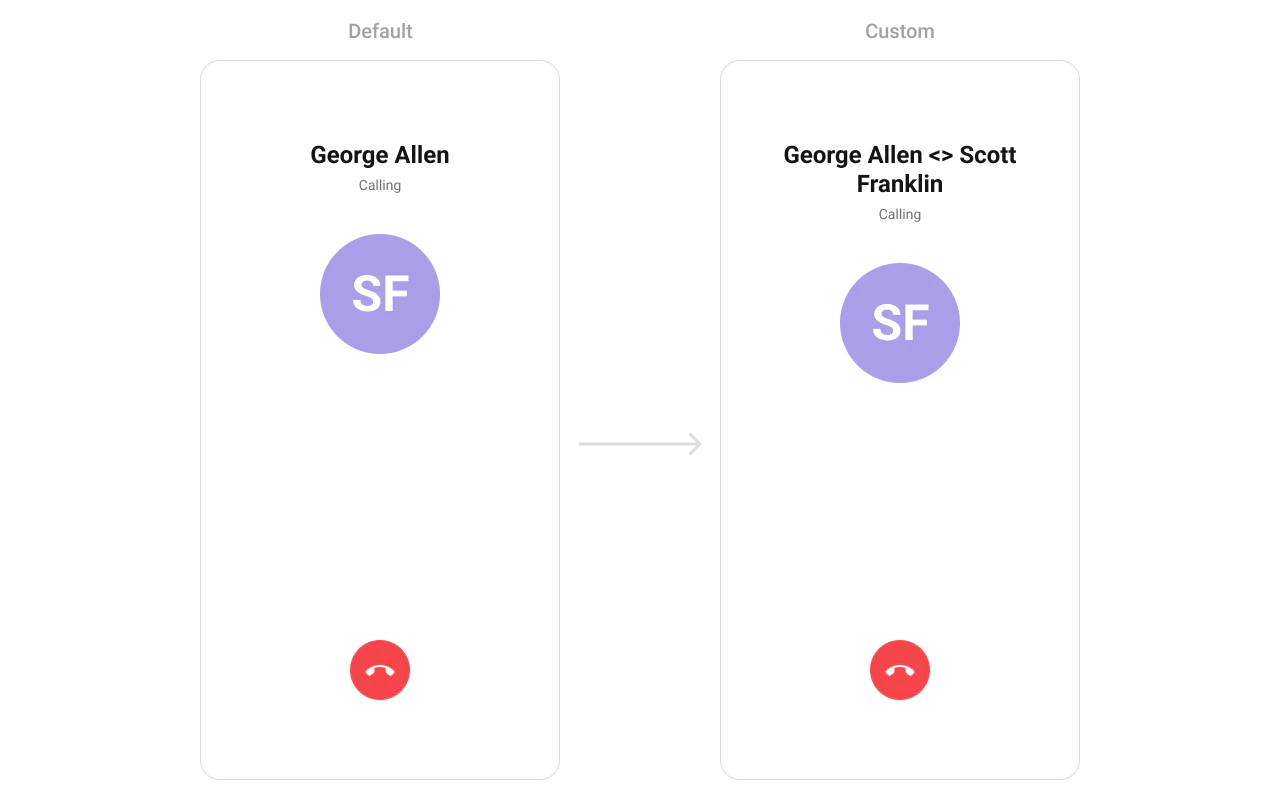
- Kotlin (XML Views)
- Jetpack Compose
Avatar View
Replace the avatar / profile picture area.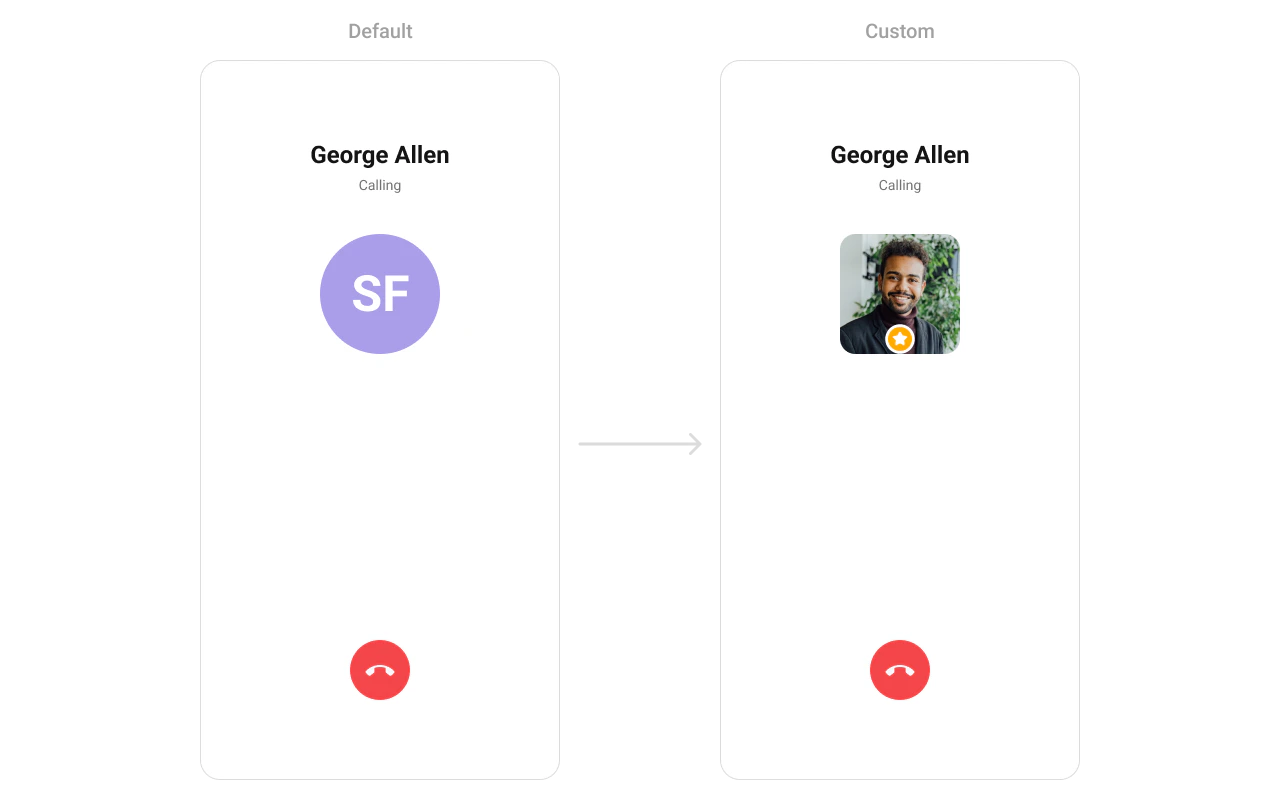
- Kotlin (XML Views)
- Jetpack Compose
Cancel Button View
Replace the end-call button.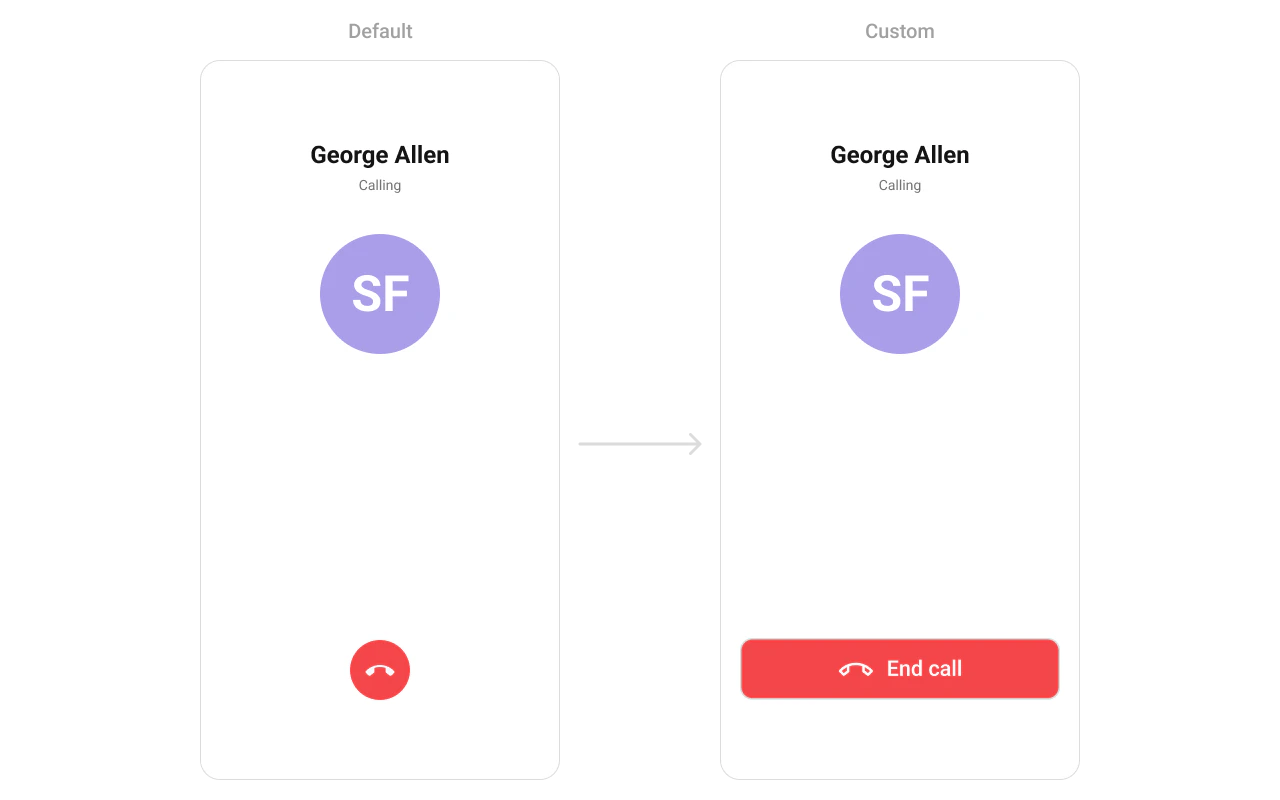
- Kotlin (XML Views)
- Jetpack Compose
Style
- Kotlin (XML Views)
- Jetpack Compose
Define a custom style in
themes.xml:themes.xml
Next Steps
Incoming Call
Incoming call notification with accept/reject
Call Buttons
Voice and video call buttons
Call Logs
View call history
Conversations
Browse recent conversations