

AI Integration Quick Reference
AI Integration Quick Reference
| Field | Value |
|---|---|
| Kotlin XML Views | Colors defined in res/values/color.xml (light) and res/values-night/color.xml (dark), overridable via theme attributes or CometChatTheme.set*() |
| Jetpack Compose | Colors provided via lightColorScheme() and darkColorScheme() factory functions, customizable via .copy() |
| Key tokens | primary, backgroundColor1–4, textColorPrimary/Secondary/Tertiary, strokeColorDefault/Light/Dark, successColor, errorColor, warningColor, infoColor |
| Related | Theme Introduction · Component Styling |
Color Categories
The palette is organized into these groups:| Category | Tokens | Purpose |
|---|---|---|
| Primary | primary | Brand color for buttons, highlights, interactive elements |
| Neutral | neutral50 – neutral900 | Grayscale ramp for backgrounds, text, borders |
| Alert | success, error, warning, info, messageRead | Status indicators |
| Background | backgroundColor1 – backgroundColor4 | Surface/panel backgrounds (derived from neutrals) |
| Stroke | strokeColorDefault, strokeColorLight, strokeColorDark, strokeColorHighlight | Borders and dividers |
| Text | textColorPrimary, textColorSecondary, textColorTertiary, textColorDisabled, textColorWhite, textColorHighlight | Typography colors |
| Icon | iconTintPrimary, iconTintSecondary, iconTintTertiary, iconTintWhite, iconTintHighlight | Icon tints |
| Button | primaryButtonBackground, primaryButtonText, secondaryButtonBackground, secondaryButtonText | Button colors |
Default Light Mode Palette
- Kotlin (XML Views)
- Jetpack Compose
Defined in
chatuikit-kotlin/src/main/res/values/color.xml:color.xml
Default Dark Mode Palette
- Kotlin (XML Views)
- Jetpack Compose
Defined in Android automatically uses
chatuikit-kotlin/src/main/res/values-night/color.xml. Note how neutral values are inverted:values-night/color.xml
values-night resources when the system is in dark mode.Override Colors
- Kotlin (XML Views)
- Jetpack Compose
Override via XML theme attributes in Or programmatically via
themes.xml:themes.xml
CometChatTheme: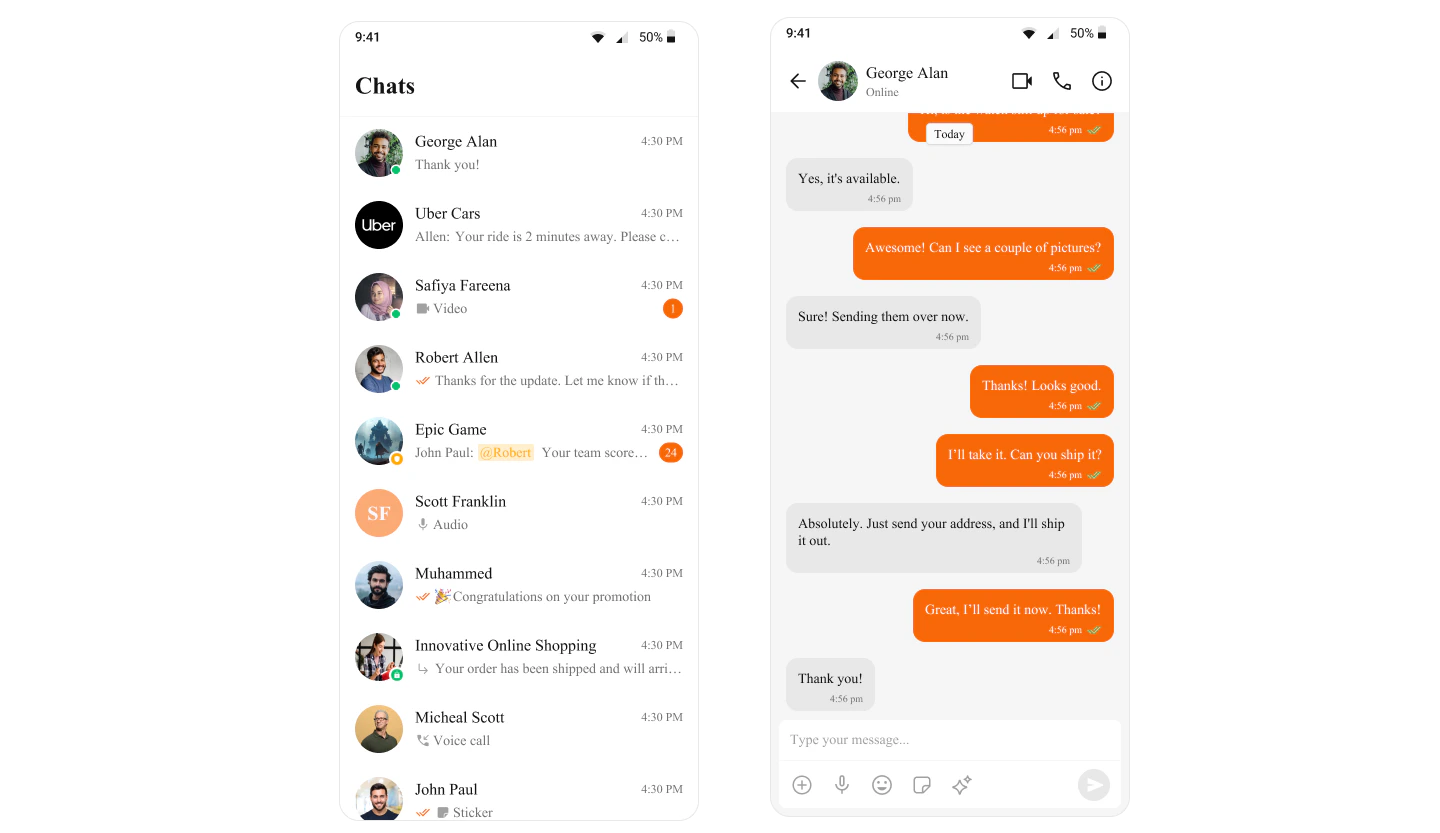
Derived Colors
Background, stroke, text, and icon colors are derived from the neutral scale by default:| Token | Light Mode Default | Dark Mode Default |
|---|---|---|
backgroundColor1 | neutral50 (#FFFFFF) | neutral50 (#141414) |
backgroundColor2 | neutral100 (#FAFAFA) | neutral100 (#1A1A1A) |
textColorPrimary | neutral900 (#141414) | neutral900 (#FFFFFF) |
textColorSecondary | neutral600 (#727272) | neutral600 (#989898) |
strokeColorDefault | neutral200 (#F5F5F5) | neutral200 (#272727) |
strokeColorLight | neutral300 (#E8E8E8) | neutral300 (#383838) |
iconTintPrimary | neutral900 (#141414) | neutral900 (#FFFFFF) |
iconTintHighlight | primary (#6852D6) | primary (#6852D6) |